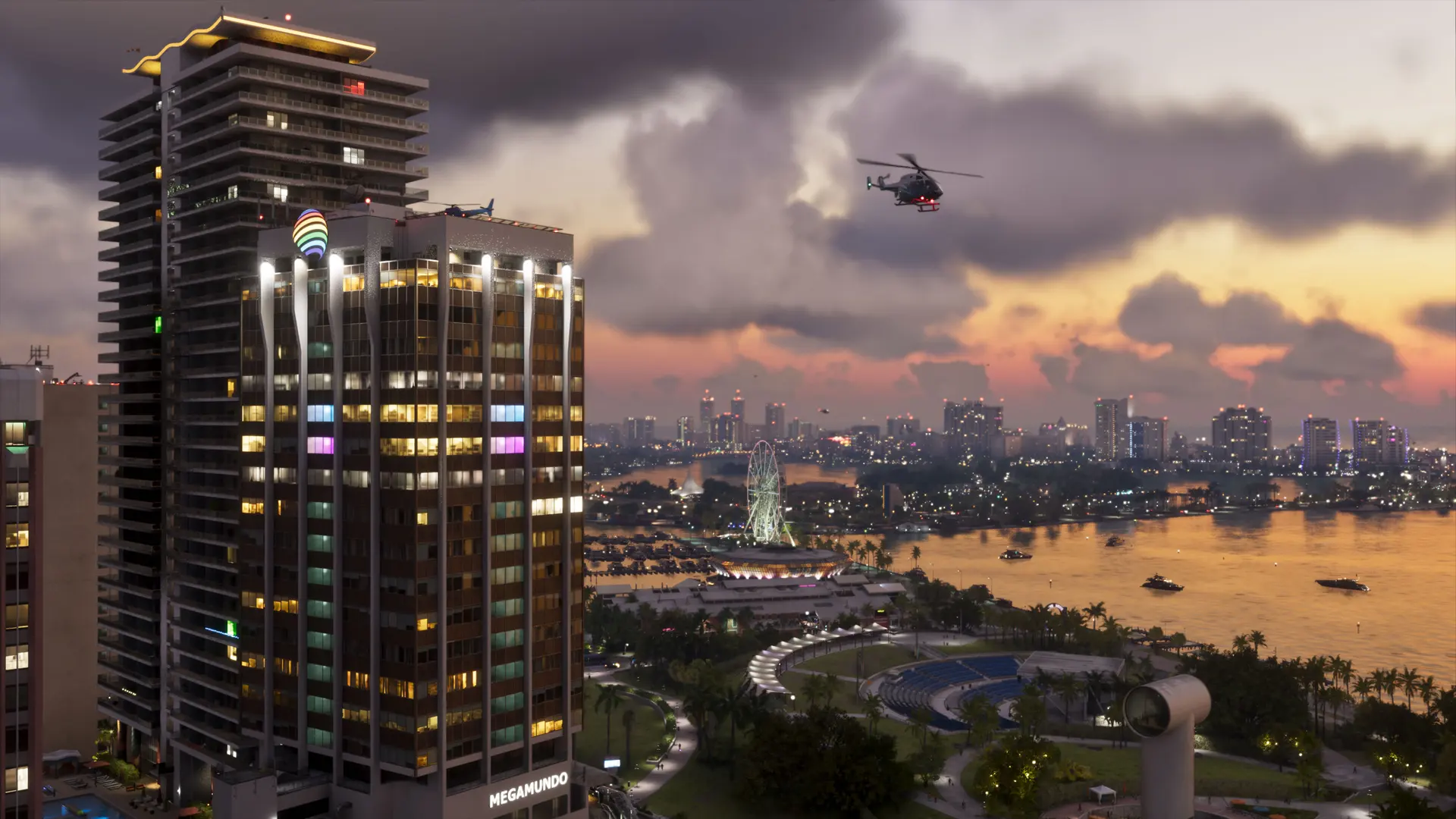
GTA 6 closes to the PS5 home screen with error CE-108255-1 — sometimes in the opening cutscene or prologue, sometimes every few minutes.
How to fix
CE-108255-1 is Sony’s general code for an application crash. Since launch it is the most common GTA 6 error on PS5, PS5 Slim and the Digital Edition. Rockstar has not acknowledged it or announced a fix.
Sony’s official advice: make sure both the system software and the game are up to date (the game needs version 1.002.001 or later), and contact PlayStation Support if crashes continue.
What players report helps (works for some, not all, sometimes only on the second try):
- Install the latest game update — the 602 MB patch fixed the crash for some players.
- Turn off HDR and 120 Hz in Settings → Screen and Video and set the resolution to 1080p for a while.
- Safe Mode → Clear Cache and Rebuild Database.
- Clean the console vents — some crashes look heat-related (see PS5 turns off).
- Save manually to several slots so a crash doesn’t cost you progress.
Reinstalling and restoring licences rarely help with this code. If nothing works, wait for the first patch — see GTA 6 updates.