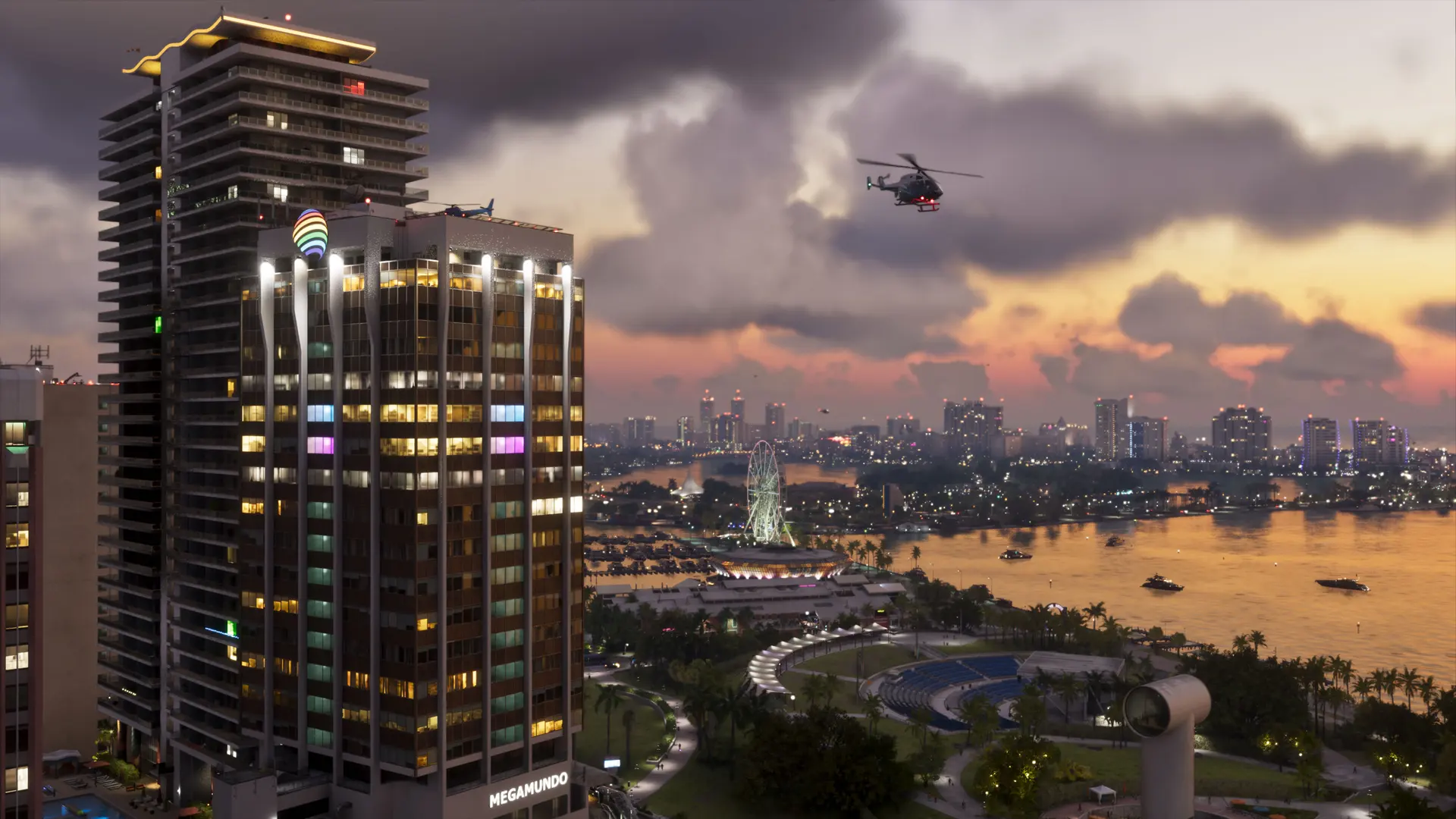
Coming soon
Updating with the game launch. Game-specific errors and their fixes will be collected here from day one (November 19, 2026).
First steps for any problem
- Update everything. Check that both the game and the console system software are on the latest version — the day-one patch fixes a lot.
- Full restart. PS5: turn the console off completely (not rest mode) and back on. Xbox: hold the power button for 10 seconds, unplug for a minute.
- Free up space. Keep extra free space beyond the game's size for patches and temporary files.
- Check the servers. If online features don't work, check PlayStation Network / Xbox Live status first.
PS5: clear cache and rebuild database
Turn the PS5 off, then hold the power button until the second beep to enter Safe Mode. Connect the controller with a USB cable and choose Clear Cache and Rebuild Database. Your games and saves stay in place.
Xbox: clear persistent storage
Settings → Devices & connections → Blu-ray → Persistent storage → Clear. Then do a full power cycle.
Found a bug we haven't listed? Tell us — we add confirmed fixes quickly.